Select what you are reading
Works with common macOS text surfaces. The App Store edition does not show a post-selection hint icon.
One public edition · Mac App Store
Select text where you are already reading, press a customizable shortcut, and see a system dictionary definition and Apple Translation result without moving into another workspace.
Coming soon to the Mac App Store GlossPeek
Automatically detected · English
disappear
Target language · Chinese
消失;不再显眼;融入正在进行的工作。
verb · cease to be visible
GlossPeek does not pull you into another translation desk. It puts native dictionary and translation tools back into the context you are reading.
Works with common macOS text surfaces. The App Store edition does not show a post-selection hint icon.
Change the shortcut inside the app. A conflict never destroys the previously working shortcut.
Words can show Dictionary Services results while sentences use Apple Translation. Each lane can fail independently.
No chat box, account, or provider switcher—just one local card you can pin, dismiss, copy from, listen to, and refresh.
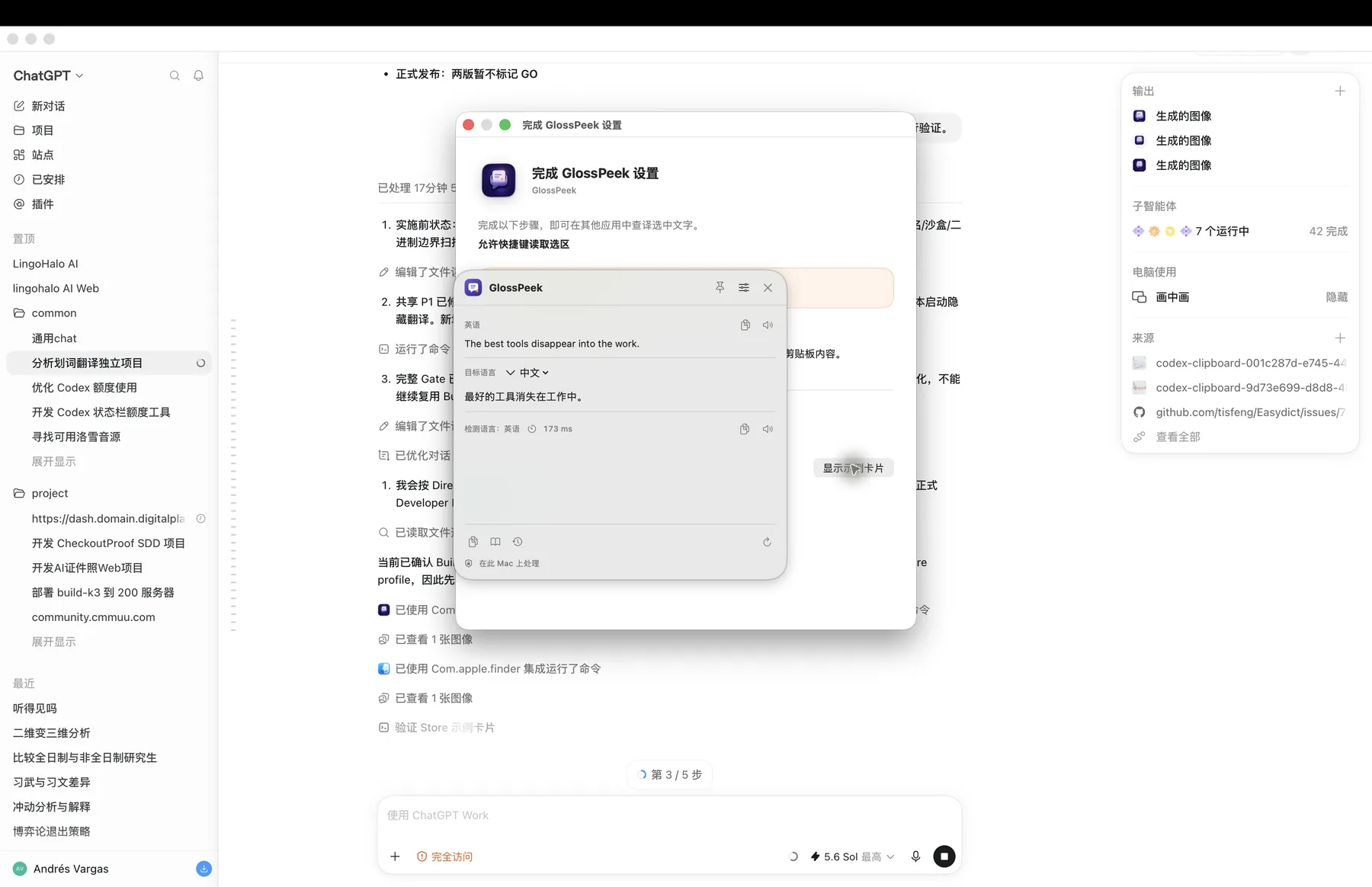
Real Store QA capture
Click outside to dismiss an unpinned card, or pin it for comparison. The shell is a continuous rounded rectangle with no arrow or tail.
Independent language choices
Every new card starts with automatic source detection. Correct only the current card when needed; the last explicit target is remembered.
Nine interface languages
Confirm the interface language and shortcut on first launch, then change either in Settings.
Local-first
GlossPeek has no cloud translation service or account system. Apple Translation may let macOS manage language packs when required.
A simple one-time purchase
GlossPeek is publicly distributed only through the Mac App Store. There is no subscription, in-app purchase, website checkout, or license key.
GlossPeekCNY 12.00 · USD 5.99
Planned one-time price · Purchasing opens after release
The purchase entry is kept at the top of this page. China mainland and United States prices are configured in App Store Connect. Purchasing is unavailable before release; the Mac App Store displays the final local price.
Not to a GlossPeek or third-party business server. Lookups use macOS Dictionary Services and Apple Translation; macOS may download language packs when needed.
Only after you press the app shortcut, GlossPeek asks the frontmost app to Copy once, reads the temporary selection, and attempts to restore the old clipboard only when nothing else changed it.
The only public edition is the App Store edition. It does not compile Accessibility selection APIs and does not show a selection hint icon; use the customizable shortcut or Services menu.
Yes. Option+D is the default and can be changed in Settings. The interface supports nine languages and applies a change consistently through a controlled relaunch.
The public edition is distributed, updated, and restored through the Mac App Store. The website provides no installer or license.